This guide takes a deployed contract from "nobody is watching" to "the team gets a Telegram message when something is off". It uses SmartAlert, which reads public chain data and needs no change to the contract. You need:
- a contract address on Ethereum, BNB Chain, Base or Arbitrum;
- a Telegram account.
The free plan is enough to follow along. The first 14 days of a project work with Pro limits.
Step 1. Add the contract (1 minute)
- Sign up and create a project.
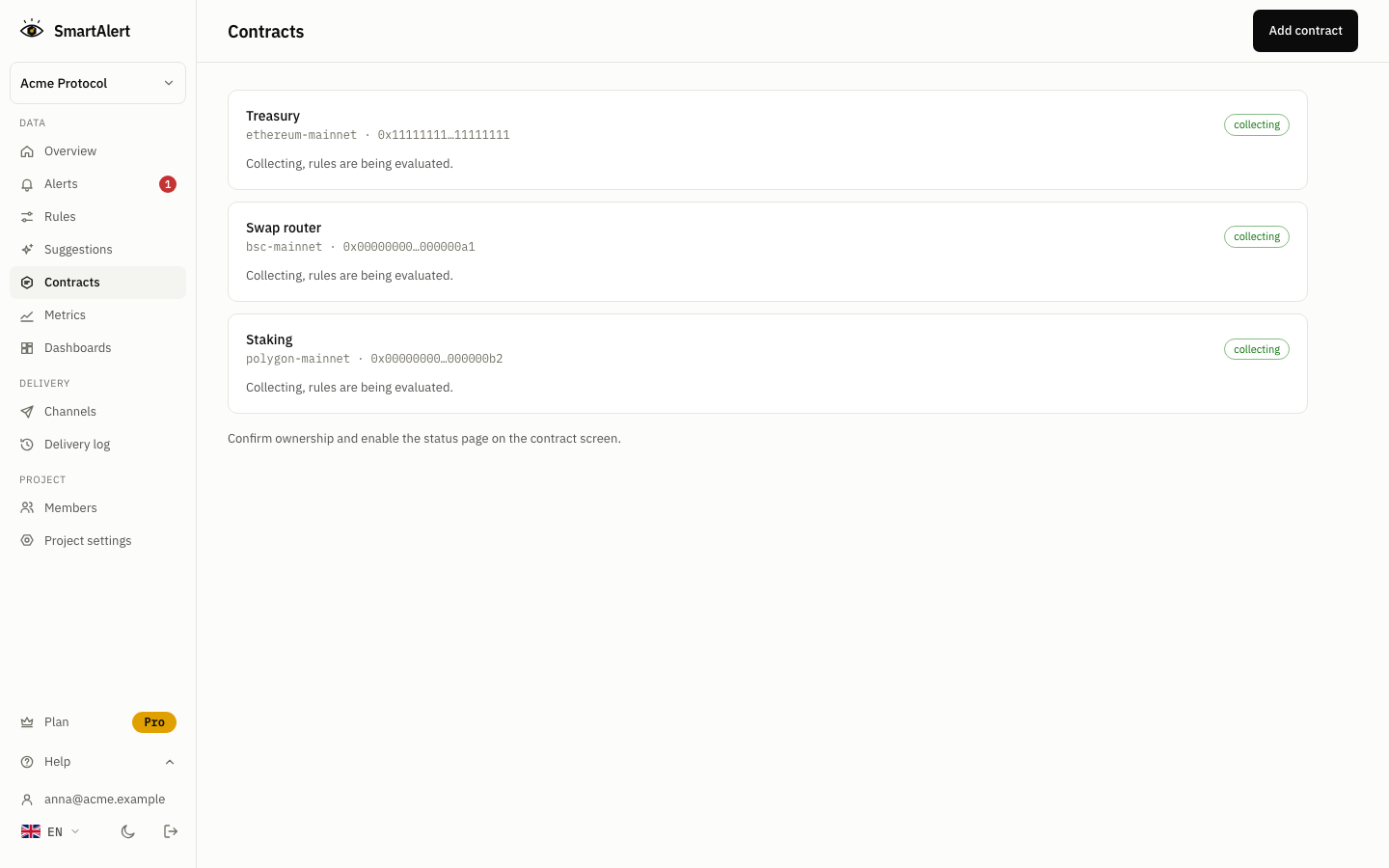
- Choose Add contract, pick the network and paste the address.
- For a verified contract, the ABI is loaded for you. For an unverified one, paste the ABI.
If SmartAlert has not seen the contract before, it first collects its history. The contract shows a "backfilling" status, and rules wait until it is done. If the contract is already tracked, its history is there at once.
Step 2. Turn on the first rules (2 minutes)
Open the contract. SmartAlert suggests rules from its ABI, and proxies, tokens and NFTs get matching templates. Select the ones that fit and choose Enable selected.
If you are not sure what to start with, these six cover the most common ways a contract gets taken over or drained:
| Rule | Why | Setting |
|---|---|---|
| Ownership transferred | A new owner can call every admin function | Any event, Critical |
| Role granted | A new admin on an AccessControl contract | Any event, Critical |
| Proxy upgraded | The code behind the address changed | Any event, Critical |
| Transfer above $X | The drain itself, priced at the block | from = your contract, a threshold above normal flow |
| Unusual transfer activity | Bursts that a fixed number misses at night | Against the norm for each hour |
| Contract went quiet | A broken integration or a stuck bot | Against the norm for each hour |
from = your contract, a threshold above normal flowIf you run keepers or relayers, add their wallets and a gas runway rule: an alert when gas is left for fewer than N days. For a treasury, add its address and a total below $X rule.
The full list is in alert recipes.
Step 3. Check each rule on history (1 minute)
Before a rule runs, open it and look at the chart. It shows the metric, the norm or your threshold, and marks where the rule would have fired over the past days.
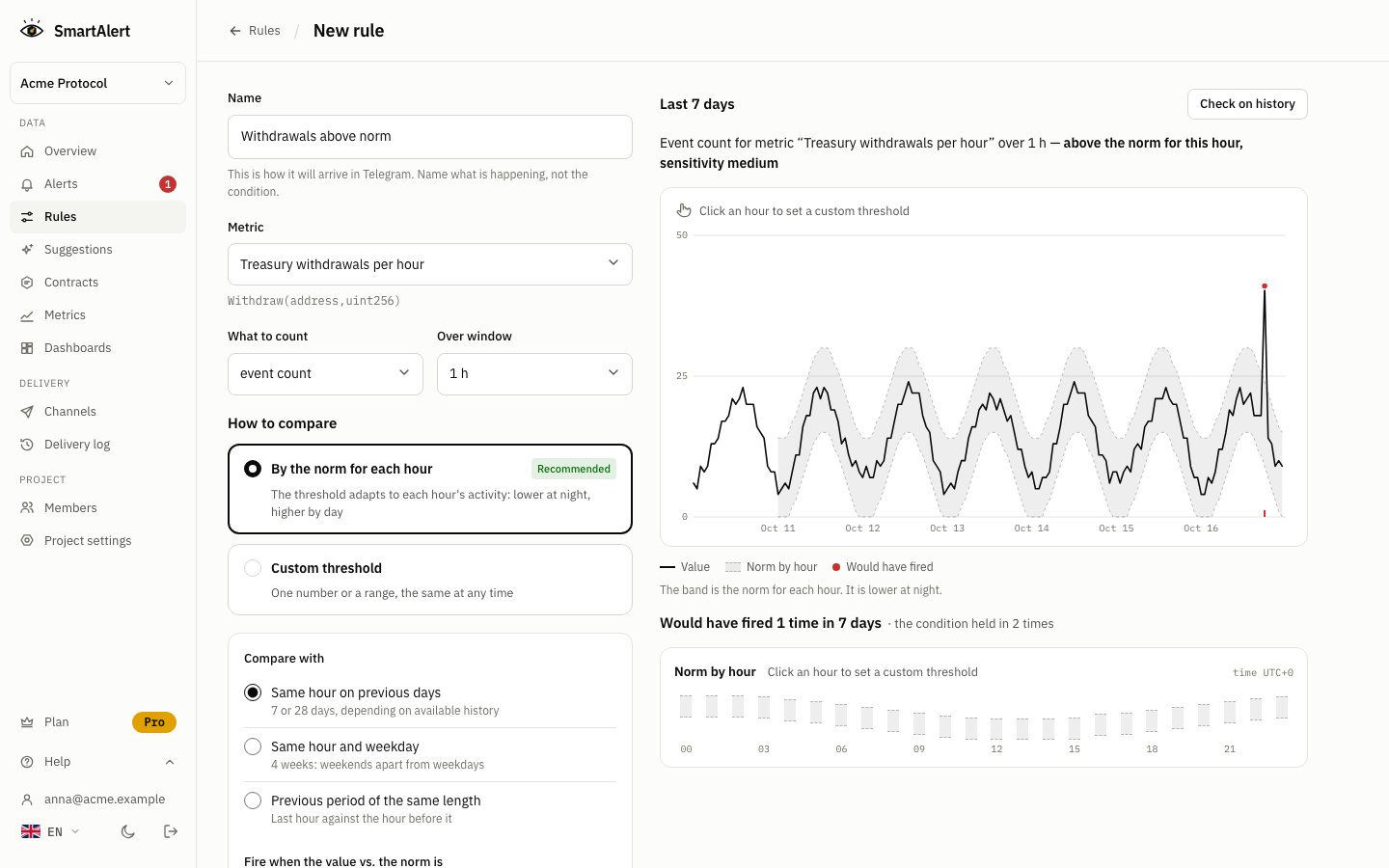
- Admin rules should show zero or a few marks, each one a change you remember making.
- For value and activity rules, too many marks means the threshold is too low. Raise it, or set a target such as "no more than 2 a week" and let SmartAlert pick the threshold.
Two ways to compare a value:
- Against the norm for each hour (default). Each hour is compared with the same hour on previous days, so the threshold follows the time of day.
- Own threshold. One number or range for all hours. Better for amounts in dollars and for admin events.
Step 4. Connect Telegram (1 minute)
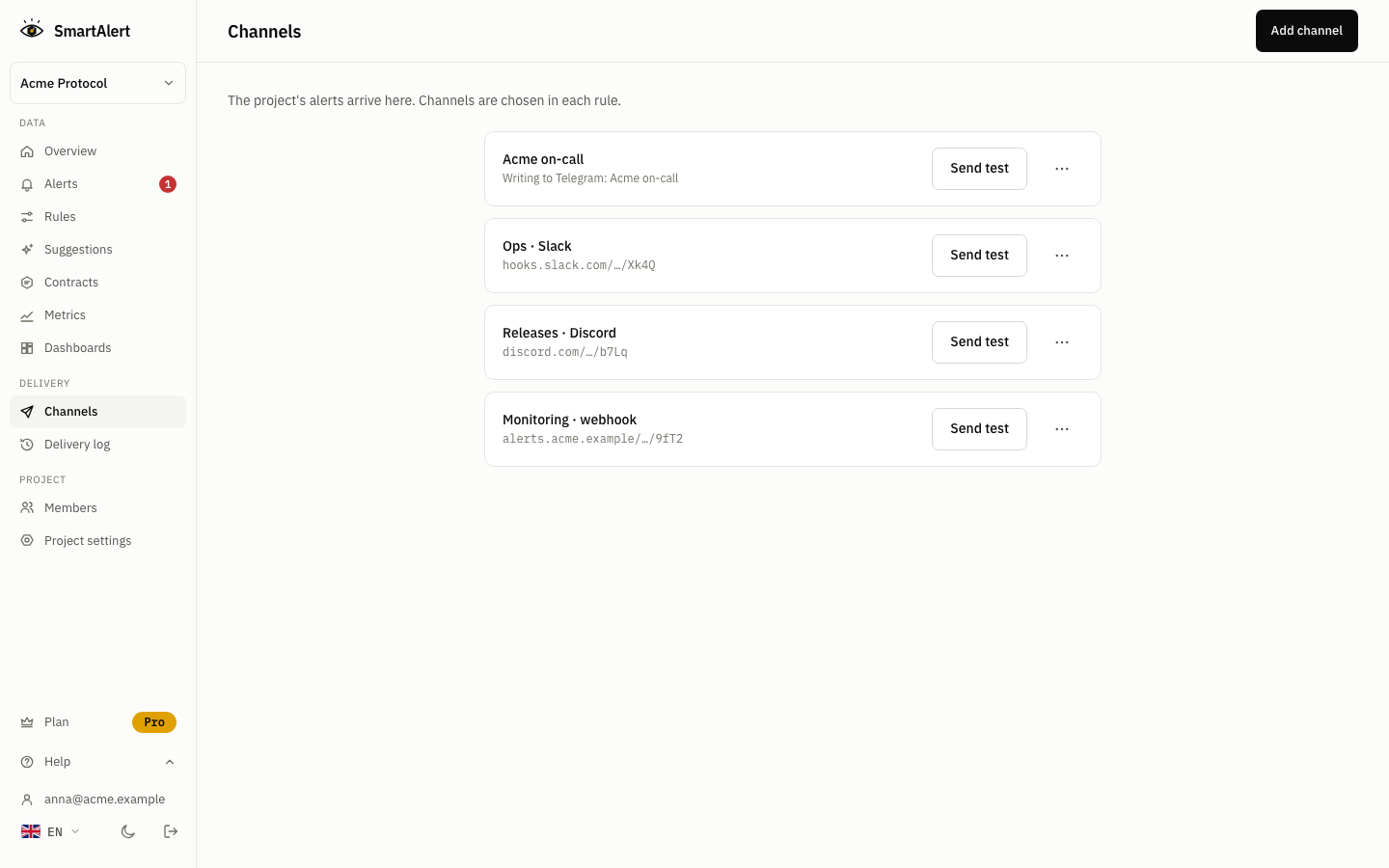
- Open Channels, enter a name and press Add.
- Open the link SmartAlert gives you and press Start in the bot. To send alerts to a team chat, add the bot to the group and run the command there.
- The bot replies with the project name. The channel is active.
The link works for 15 minutes. On Pro you can also add Slack, Discord, email, PagerDuty or a webhook.
What an alert looks like
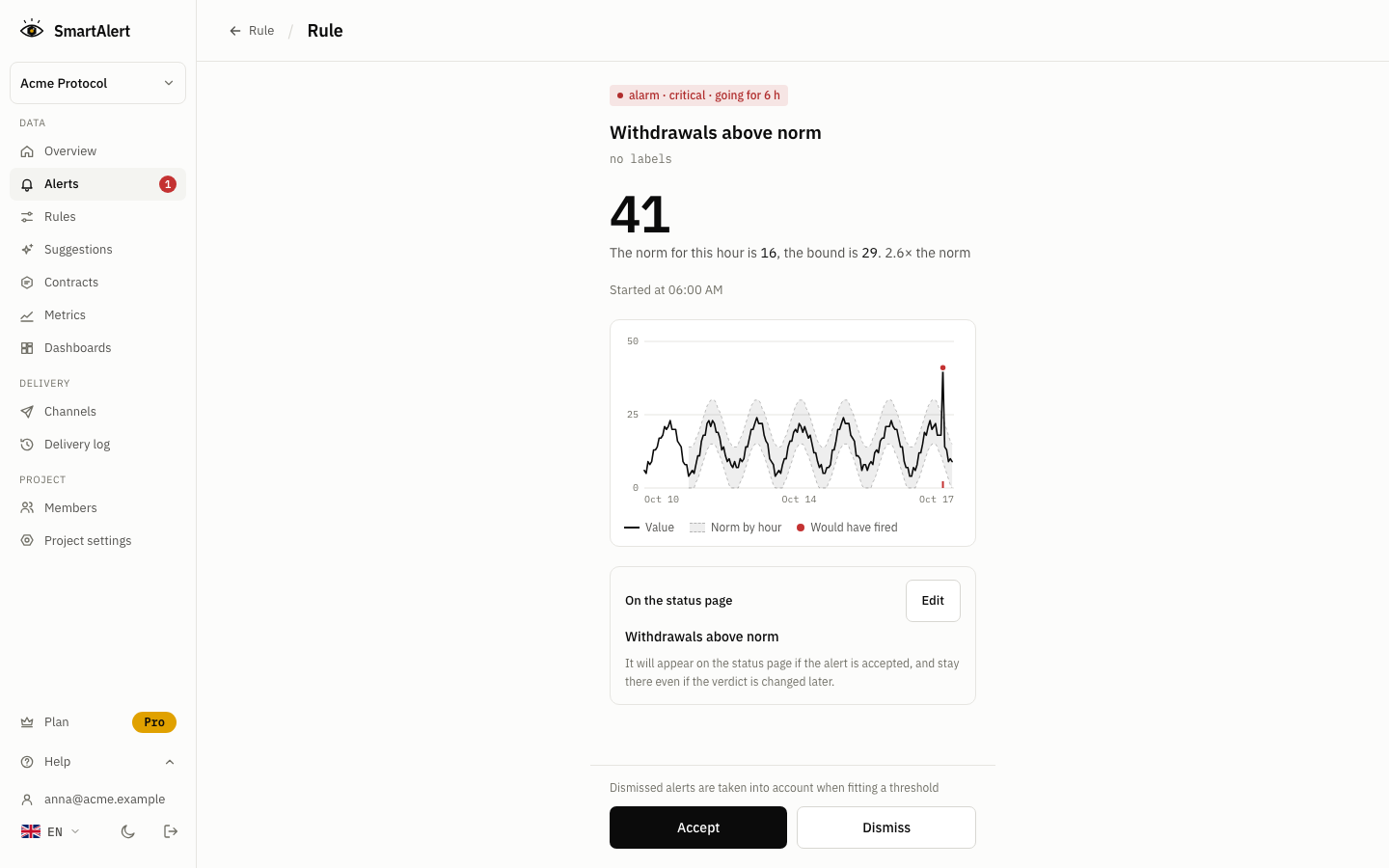
When a rule fires, the message has the value, the threshold or this hour's norm, the time and a link to the transaction. When the condition clears, a "Back to normal" message follows.
Before you rely on it
- Send Critical alerts to people who can act. An alert that reaches nobody with a pause key is a log entry.
- Repeat on every chain you are deployed on. Attackers often go chain by chain, and the first chain's alert is the warning for the others.
- Know the delay. SmartAlert reads confirmed blocks. On Ethereum that is 12 confirmations, about 144 seconds, and then a rule check: every 5 minutes on Free, every minute on Pro, every 30 seconds on Business.
- Add contracts you depend on, not only your own. A locker, a bridge or a vault that holds your tokens is public, and you can watch it without anyone's permission.
Next
---
*I build SmartAlert. Questions about a specific contract are welcome in the comments.*