Documentation
FAQ
Answers on networks, rules, notifications, plans, and privacy.
On this page
Getting started
A monitor for smart contracts. Paste an address, and SmartAlert collects its history, builds metrics from events, watches token balances of any address and checks your rules. When a rule fires, you get a message in Telegram. See Getting started.
No. SmartAlert reads events that the contract already emitted. Paste the address and the history collects itself. A verified contract brings its ABI.
No. SmartAlert reads public chain data only. It never asks for a private key or a transaction approval. The one signature we may ask for is claiming a contract page, and it is a message, not a transaction.
Keep it. SmartAlert works alongside, one address at a time. It adds a month of history: you see how many times a rule would have fired before it wakes you up.
Networks and data
Live: Ethereum, BNB Chain, Base and Arbitrum (mainnet). Coming soon: Polygon, Optimism. Need another one? Write to us.
Two delays add up. Data reaches SmartAlert in about 15 seconds (target, 95th percentile) for projects. Then the rule waits for its next check: every 5 minutes on Free, every minute on Pro, every 30 seconds on Business. The public contract pages are delayed by 15 minutes.
You can read 7 days on Free, 90 on Pro, 180 on Business, 365 on Enterprise. The first 14 days of a project count as Pro. Upgrading opens the depth that has already been collected. It does not create history backwards.
Add the proxy address: that is where events are emitted. The ABI must describe the events you want to track. If an upgrade changes the events, how the ABI is updated is not defined yet. Write to us before relying on it.
Address balances
Yes. Add an address and pick what to watch on it: the network’s native coin (ETH, BNB) or ERC-20 tokens by token address — symbol and decimals fill in by themselves. Then add a rule: below a threshold, above a threshold, or a change over a window. Thresholds are in tokens, not wei.
No. When you enter an address, SmartAlert finds the tokens that came to it, with the balance and the amount in $. It searches the last 365 days; on networks with fast blocks, a shorter period. Tokens with a balance are checked right away; ones that look like spam or have a zero balance are not. The search is free: only a checked token takes a pair. Up to 20 can be checked at a time; add the rest from the address page with "Find tokens". A token that is not in the list is added by its contract address.
No. Balances are public, and SmartAlert only reads them.
Every minute. An alert usually arrives within a minute or two of the change.
No. The chart starts when you add the address. A “change over a window” rule starts working once a full window has been collected.
The page of a balance alert lists the transfers that moved it within the rule's window: a signed amount in tokens, from and to, and the transaction hash linked to the network's explorer. The three largest are on top, the rest are one click away. If there were no transfers to or from the address, the page says so: an internal contract transfer or a token rebase may have moved the balance, with a link to the address on the explorer.
Yes. The $ amount of each token is shown on every plan. The address total in $, a threshold in $ and a rule on the address total come with Pro. Prices come from Chainlink; for tokens without a Chainlink feed, from CoinGecko.
Each “address + token” pair counts once: 3 on Free, 30 on Pro, 150 on Business. Rules on balances count toward the plan’s rule limit.
Rules and norm
The usual value of a metric at this hour, taken from the same hour on previous days. A rule can fire when the value goes too far from it. See Rules.
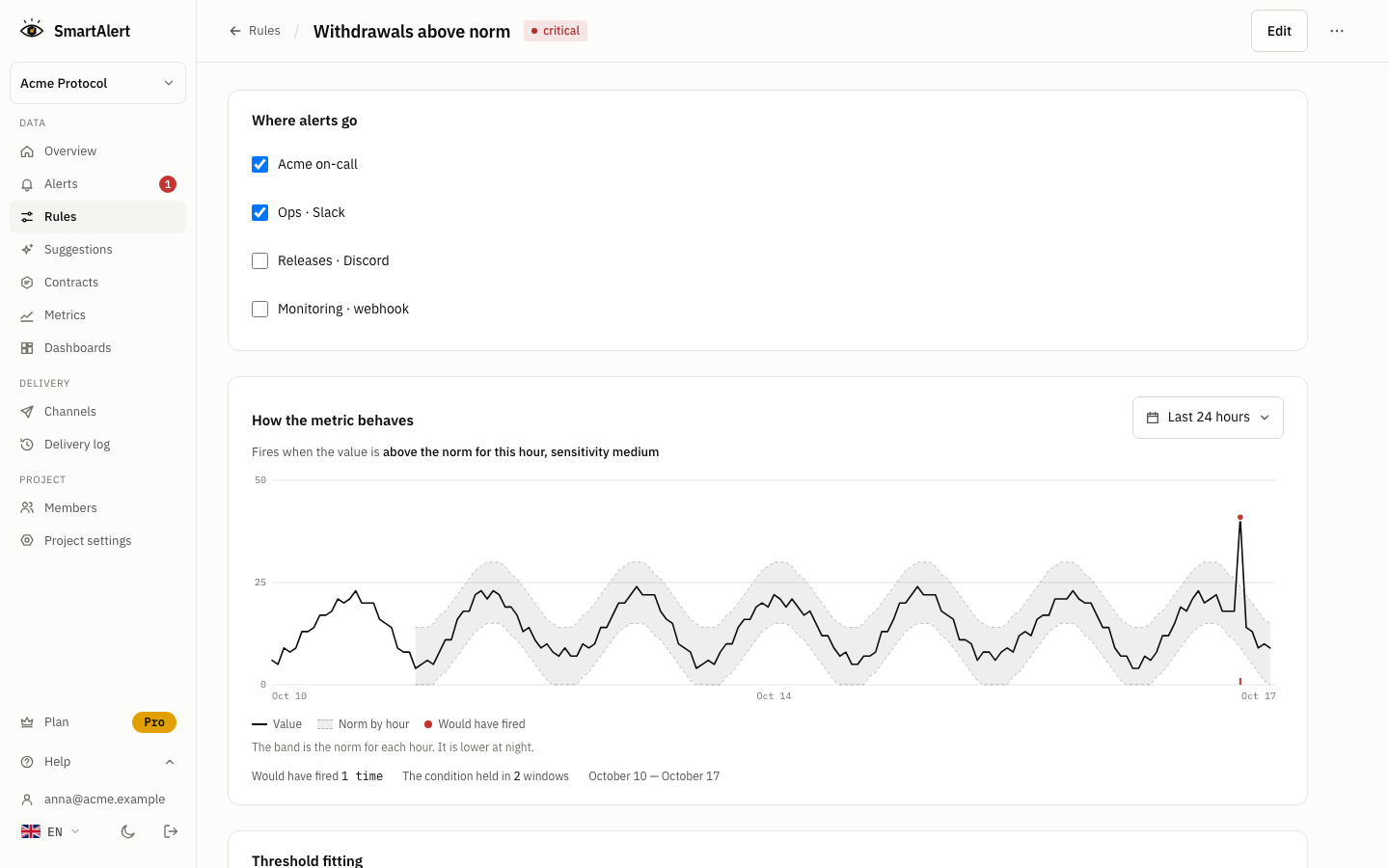
The norm needs history, about a week. The app shows the date it will appear. Until then, the rule checks a fallback threshold that you set in the form ("While history is short, check: greater than X"), and switches to the norm by itself once history is there.
When you create or edit a rule, SmartAlert runs it over the history of your project and shows the number of alerts that would have happened. It is a past count, not a promise about the future.
Notifications
Yes, on Pro and up. Paste a Slack or Discord URL and press "Send test": the channel turns on after the test is delivered. PagerDuty is a channel of its own: paste an Events API v2 integration key, no function in between. Email goes to an address you confirm. Webhook sends signed JSON to your HTTPS URL, for your own service. See Notifications and Webhook.
Open the delivery log of the channel. A delivery can be skipped (cooldown, daily limit of 50 on Free, 1000 on Pro, 5000 on Business, or the channel is not active) or failed (the reason is shown). The firing itself is always kept in history.
API keys for the MCP server are on Business and Enterprise; the trial doesn't include them. See API keys and MCP. There is no REST API yet, see API.
Plans and billing
$0: 2 contracts, 3 rules, 1 channel (Telegram), 7 days of history, a check every 5 minutes.
Pro: $30 per month or $300 per year. Business: $99 per month or $990 per year. Enterprise: by agreement. Compare limits on the pricing page.
Metrics and threshold checks on history stay. The first three rules keep running. The rest pause with a "plan limit" mark and are not deleted. History depth returns to your plan's. The app shows in advance which rules will pause, and we email the list three days before and on the last day.
Cancel in Settings → Plan. The paid plan stays active to the end of the paid period and is not renewed. For a refund, ask within 14 days of any payment, first or renewal. No reason needed. Use "Request refund" in the Paddle receipt or write to [email protected]. Paddle issues the refund. See the Refund policy.
Security and privacy
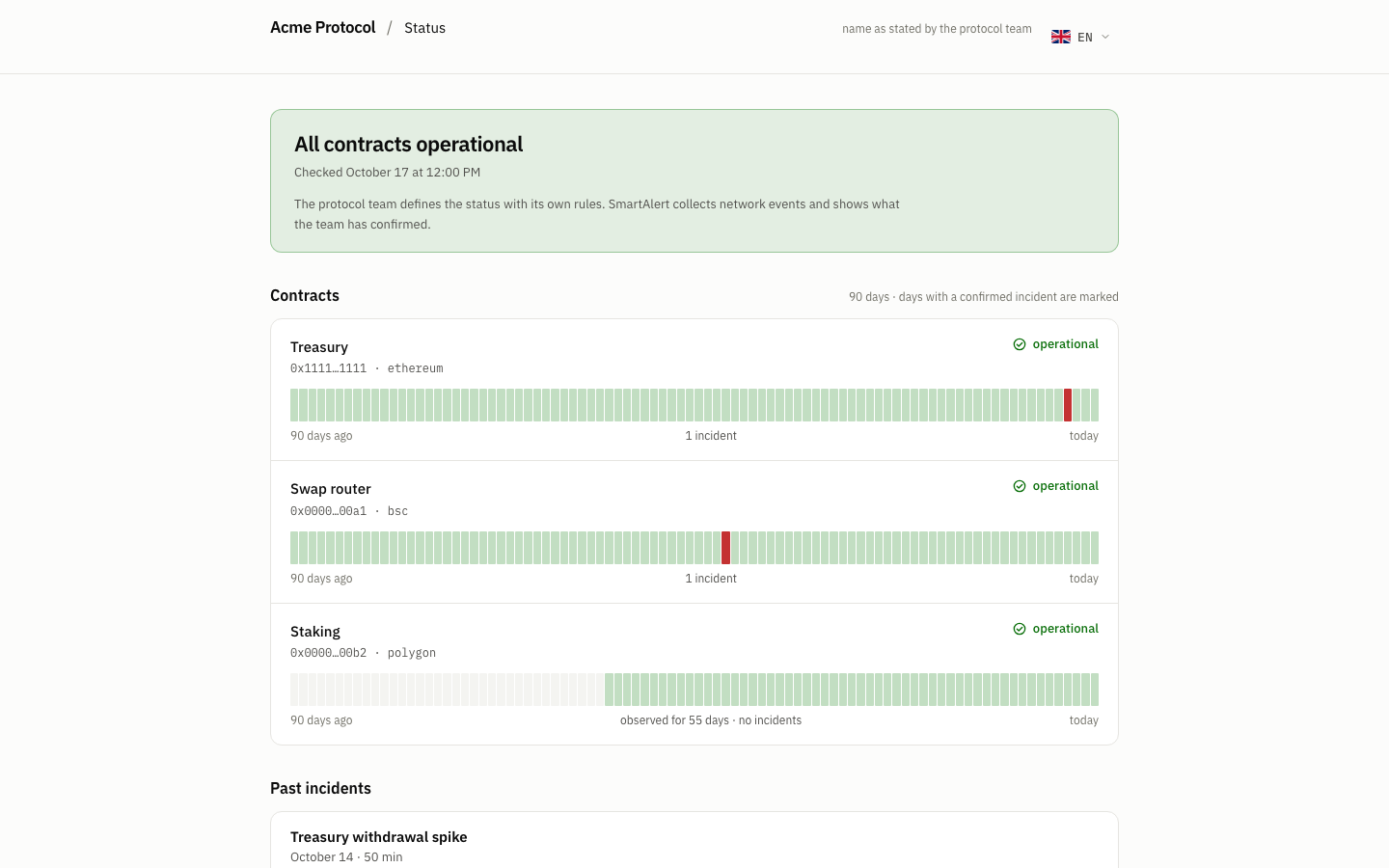
Only your project. Rules, alerts and metrics you define are private. A public contract page shows only aggregates: event counts by signature and transaction counts, with 1-hour resolution, 7 days of history and a 15-minute delay.
A public page exists for contracts in the catalog. Claiming proves you own the contract: you sign a one-time message with the address returned by the contract's owner(). Then you can edit the page's name and hide the page. Claiming does not give exclusive rights: other projects can still track the contract.
Still have a question? Write to [email protected].
Found a mistake or didn’t find an answer? Write to us